Website development in Odesa
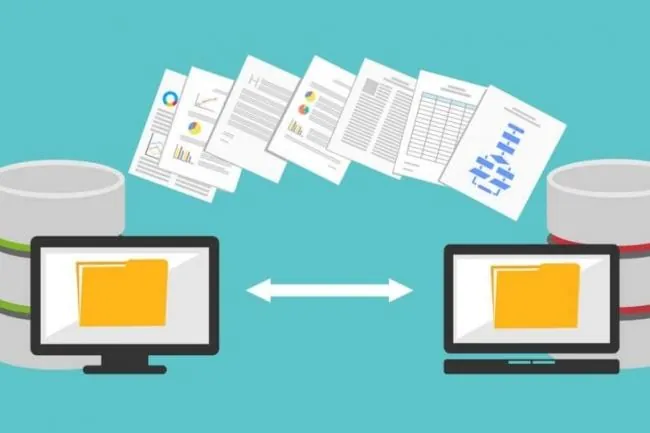
We offer only the best website development in Odesa. You can also order migration, website maintenance and high-quality promotion. We migrate sites without losing existing rankings, which matters to every client.
How to move your site to a new CMS while keeping your rankings, money and sanity
Affordable website development is an accessible, cost-effective solution. But sometimes you urgently need to move your website to a new CMS. Naturally, it's best to turn to professionals. That way you'll save your nerves, your money and your existing rankings.
When does moving to a new CMS make sense?
Building a website is an important task, but migrating it later can be just as useful. The main reason to change CMS is a lack of proper functionality. Often a site wasn't originally designed for a large product range, and then things changed — an outdated CMS can't cope. Then it needs to be replaced urgently. The main reasons include:
- An outdated design.
- Very poor usability.
- A huge number of technical errors.
Has your static HTML site outgrown your needs?
For a small static website, you can do without a CMS. But if you need to publish something regularly, it won't do.
Is your custom-built CMS no longer up to date?
A custom CMS isn't great, but it isn't terrible either. However, problems can arise — for example, the developer disappears or the CMS itself becomes outdated. Sometimes you also have to pay extra to add features.
Are website builders no longer enough?
Can't get the results you need with a builder? Consider a full-fledged CMS — it's more functional and useful. A site on a good CMS can even be developed further on your own.
What problems need solving during migration?
Moving a website to a new CMS can cause various problems. Some are very easy to solve, others impossible.
Losing content
To avoid losing content, make a backup before migrating. You can create it with the old CMS's tools or independently via the server control panel.
Changes to URL structure and the site itself
Every CMS generates URLs differently, so they often change significantly during migration. Broken links can also appear. That's why preserving the structure is the main task during migration.
Setting up redirects is time-consuming
This is a big problem that follows from the previous one. When URLs change, redirects must be set up. A few dozen pages is easy; thousands of pages is a laborious task.
Mismatched functionality between old and new CMS
In this case, you need to extend functionality with special modules.
Design issues
If the site uses a template, you won't be able to keep it after migration. So find a more suitable option or order a custom design.
Need website development on the best terms? Or website migration? Then contact Cyborg Studio! Our website development and migration services are always affordable and economical!